Pulling the Data (So You Call the Right Homeowners)
Cold calling only prints money when you’re calling the right homes. In this module, you’ll build a targeted list the fast way, then we’ll show you how to get numbers and load it into your tracking system.
What to Target (Highest Booking Rate)
- Storm-route neighborhoods (wind/hail relevance)
- Aged roof zones (15+ year shingles / older subdivisions)
- Insurance-heavy zip codes (higher claim probability)
- Owner-occupied homes (better close rate than rentals)
Your Data Pull Workflow
Want Us To Pull Your List For You?
If you want to skip the headache and start calling today, we’ll deliver 1,000 targeted homeowner records so you can focus on dialing and booking inspections.
Assignment (Do This Today)
- Pick 1 zip code you can service fast
- Build a starter list of 100 homes
- Find phone numbers for 25 homes (practice the process)
- Log every call in Sheets + move leads in Trello
Clean Up Your List (Before You Start Dialing)
Your data will often come as an Excel file with a bunch of extra columns you don’t need. The fastest workflow is to copy the sheet into Google Sheets, then strip it down to only the fields you need for cold calling.
Step-by-Step (Google Sheets)
- Open the Excel file you received.
- Select all (Ctrl/Cmd + A) and copy.
- Open a new Google Sheet and paste into cell A1.
- Delete extra columns you don’t need (keep only the 6 fields below).
- Rename your headers exactly so everything stays consistent.
- Save the sheet and use it as your “Dialing Master List”.
Why Google Sheets? It’s cloud-based, shareable, and you won’t lose your list if your laptop crashes.
Only Keep These Fields
| Owner First Name | Used to personalize the opener (“Hey John…”) |
|---|---|
| Owner Last Name | Helps confirm identity + professionalism |
| Property Address | Your reference point for the call (avoid sounding random) |
| City | For filtering + routing your calling sessions |
| State | Needed for compliance + sorting |
| Zip | For targeting areas and tracking what’s producing |
Everything else is noise. Your goal is to move fast, book inspections, and track outcomes cleanly.
After you copy your raw Excel data into Google Sheets and delete extra fields, your sheet should look like this. Only the essential fields remain so you can quickly dial and move records into Trello.
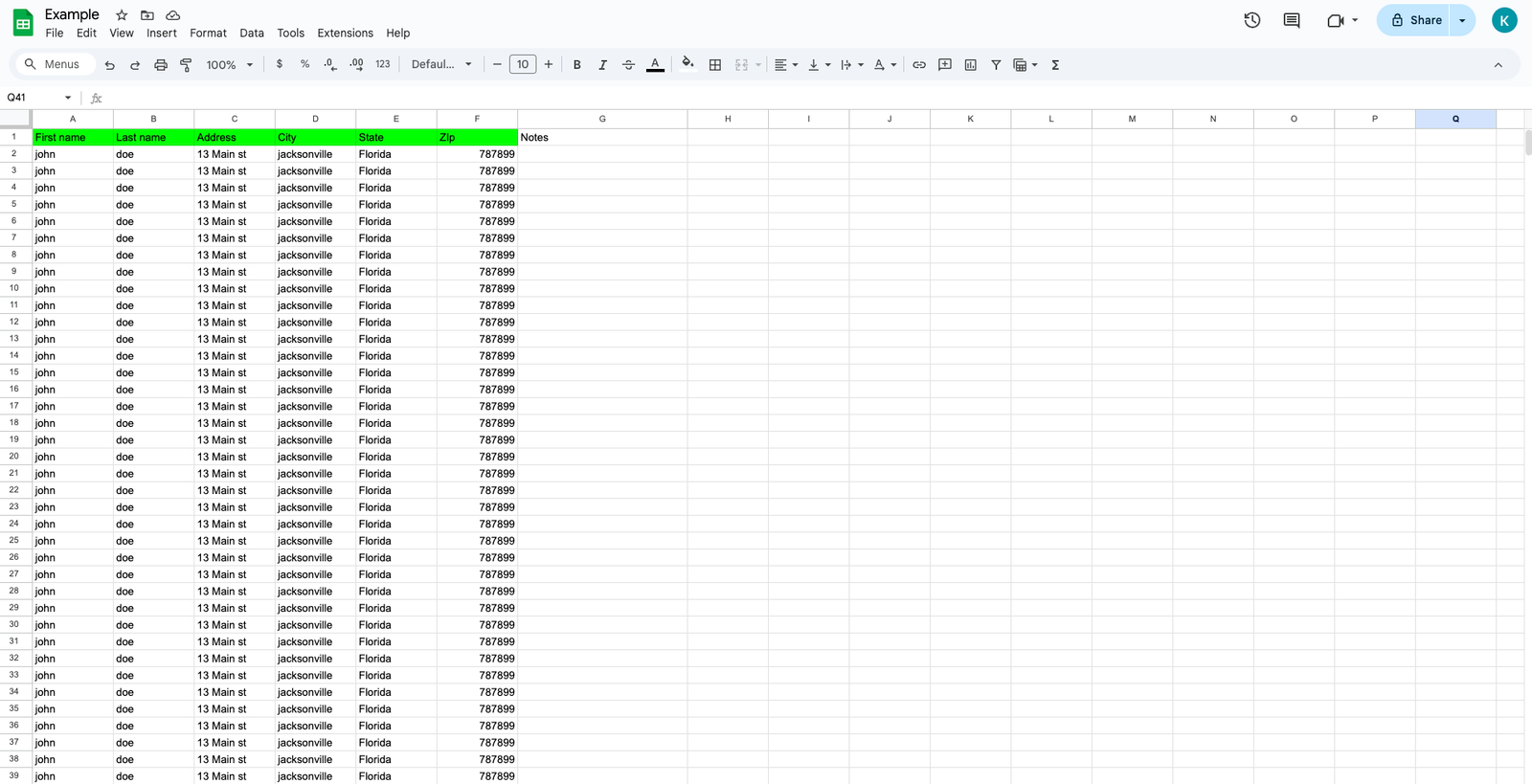
Example cleaned list — first name, last name, property address, city, state, zip.
Now We Attach Phone Numbers to Your List
You’ve got your clean list of addresses — the next step is getting accurate phone numbers so you can actually start dialing. In the next module, we’ll show you the exact options (free + paid), when to use each one, and the fastest way to scale.
In the Next Module You’ll Learn
- How to find numbers manually (fast method)
- Free tools vs. skip tracing (what’s worth it)
- How to format numbers correctly in Google Sheets
- How to avoid duplicates and bad numbers
Your Goal
- Turn a clean address list into a call-ready list
- Get enough numbers to dial daily without running out
- Build a repeatable system you can scale